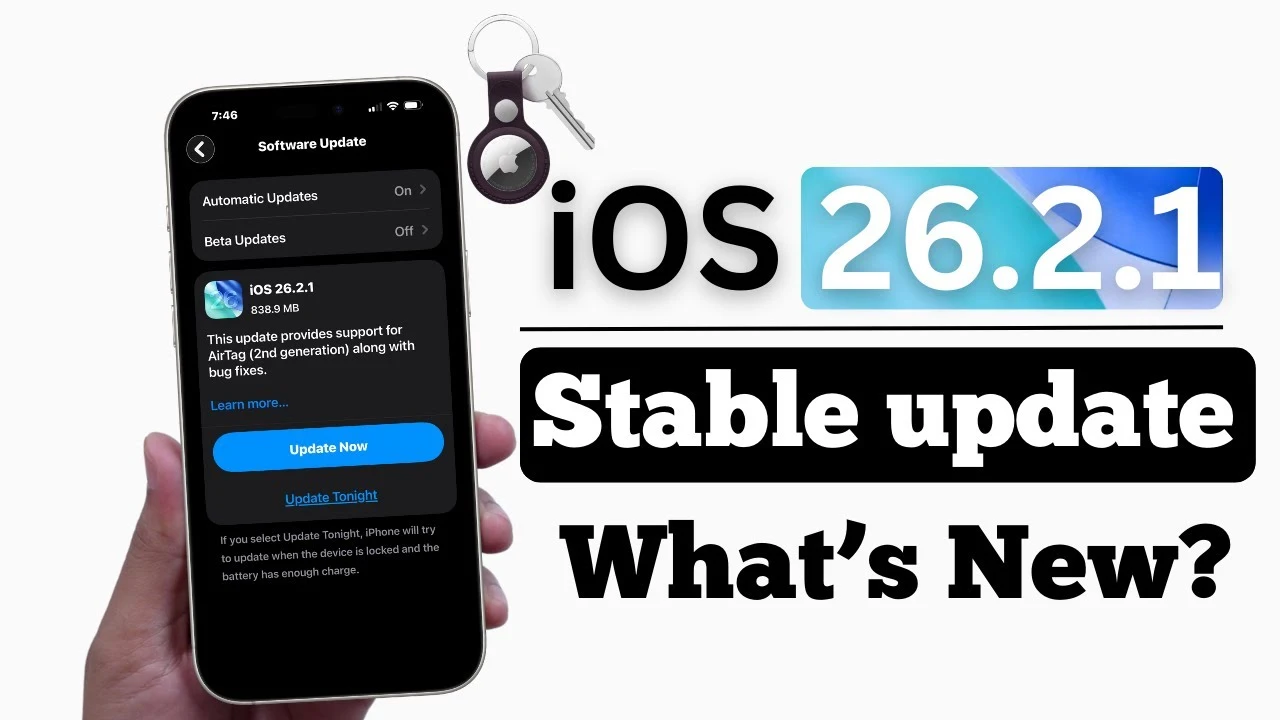
If you’ve been keeping an eye on iOS updates, you probably noticed that iOS 26.2 just dropped, and barely a week later—boom!—iOS 26.3 beta is already out for public testing. That’s right: Apple is moving fast, and if you’re the kind of user who loves to explore what’s next, now’s your chance to try the iOS 26.3 public beta before it hits general release in early 2026.
The latest beta doesn’t bring massive visual overhauls, but it does include a few smart updates that are worth checking out—especially if you use third-party wearables or you’ve ever considered switching to Android (yes, Apple is finally making it easier!).
Let’s walk through how to download iOS 26.3 beta and take a closer look at 3 key new features you can try today.
How to Download the iOS 26.3 Public Beta
Apple’s public beta program is surprisingly easy to join, and best of all—it’s free. If you’ve got an iPhone and you’re curious to see what’s new in iOS 26.3, you can install the beta in just a few minutes. Here’s how:
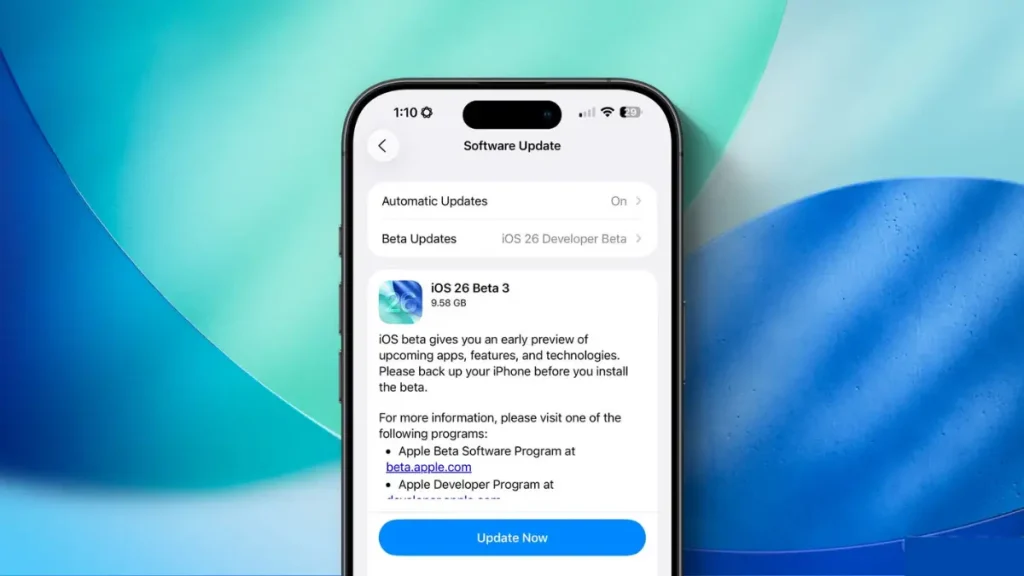
Step-by-Step Guide to Install iOS 26.3 Beta:
- Visit Apple’s Beta Software Program Website
Open Safari on your iPhone and go to beta.apple.com. - Sign In with Your Apple ID
Use the same Apple ID linked to your iPhone. - Enroll Your iOS Device
Once logged in, click “Enroll Your Devices” and select iOS from the menu. - Go to Settings > General > Software Update
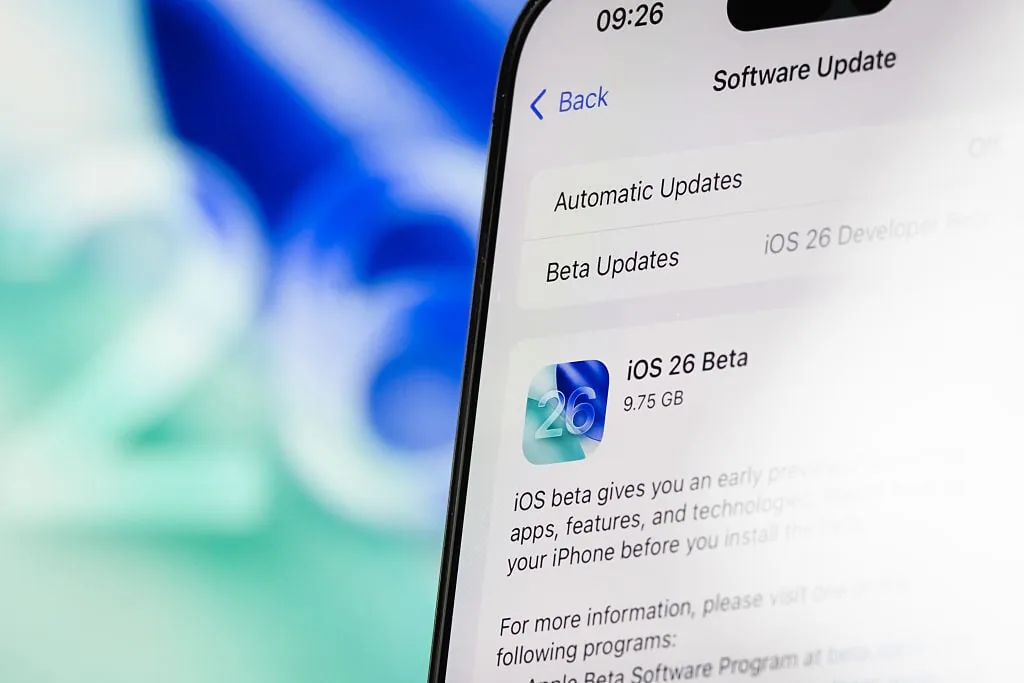
On your iPhone, head over to Settings > General > Software Update. - Select iOS Public Beta and Install
You’ll now see the iOS 26.3 Public Beta as an available update. Tap “Download and Install” and you’re good to go.
💡 Pro Tip: Always back up your iPhone before installing a beta version. Beta software can be unstable, and you don’t want to risk losing your data.
1. A Cleaner, More Organized Wallpaper Experience
One of the first things you’ll notice in iOS 26.3 beta is a minor but meaningful change in the Wallpapers section. Apple has reorganized the Weather and Astronomy wallpapers, giving them their own dedicated categories instead of lumping them together.
While this doesn’t dramatically change your day-to-day experience, it does make the interface a little easier to navigate—especially if you like to switch up your wallpaper often. You’ll also find a couple of new weather-themed wallpapers to try out, giving your lock screen a fresh look that changes dynamically based on real-time weather.
This might seem like a small tweak, but it’s part of Apple’s broader focus on refining the user experience with each update. Sometimes, it’s the little things that make a big difference.
2. Third-Party Wearable Support for Notifications (EU Only, for Now)
If you’re someone who loves their Garmin, Fitbit, or any other non-Apple smartwatch, you’re going to appreciate this next feature. For the first time ever, Apple now allows notifications to be forwarded to third-party wearables—not just the Apple Watch.
This means:
- Texts, calls, and app alerts can now be mirrored on supported non-Apple wearables.
- You no longer need to glance at your phone every time it buzzes.
- It’s a win for choice and flexibility—especially for fitness enthusiasts and athletes who swear by specialized devices.
This feature is currently limited to users in the European Union, thanks to new legal requirements under the Digital Markets Act (DMA). Apple was essentially forced to make this change to comply with EU regulations, but it’s a welcome one.
As for the U.S. and other regions? Apple hasn’t said if or when it’ll roll out globally, but fingers crossed. This update could be a game-changer for wearable users who prefer non-Apple devices but still want full iPhone integration.
3. Cross-Platform Transfer Gets a Big Upgrade
This is probably the most significant new feature in iOS 26.3 beta—and it’s something users have wanted for years.
Easier iPhone-to-Android (and vice versa) Transfers
Thanks to a collaboration between Apple and Google, it’s now possible to wirelessly transfer your data between iOS and Android devices, just by placing the two phones side by side.
Here’s what you can move:
- Messages
- Photos and Videos
- Contacts and Notes
- Apps (where compatible)
- Phone number and SIM setup
Yes, even your phone number can be ported seamlessly.
Gone are the days of downloading multiple third-party apps, fumbling with cables, or dealing with half-baked solutions. This makes switching ecosystems far less painful, which is a big deal—especially for users who’ve been sitting on the fence about changing phones.
Is Apple losing its grip on users by making it easier to leave iOS? Not really. It’s more about consumer freedom and legal compliance, especially in regions pushing for more tech interoperability.
Why iOS 26.3 Beta is Worth Trying

While this update isn’t a total overhaul, it brings three smart, future-facing improvements that make life easier:
- Better UI organization (Wallpapers)
- More freedom with wearables (for EU users)
- Simplified device switching (a long-awaited fix)
If you’re a beta enthusiast or just curious about what Apple has in store for iOS in 2026, this is a beta worth exploring.
Just remember: with any beta version, you might encounter bugs, crashes, or features that aren’t fully polished yet. So if you depend on your iPhone for critical tasks, you may want to install it on a secondary device.
Final Thoughts
Apple’s iOS 26.3 beta might not have flashy new widgets or groundbreaking design changes, but what it does offer is functionality that reflects real user needs in a changing digital landscape. Whether it’s giving you more control over wearables, simplifying how you switch platforms, or just improving the little things—it’s all progress.
So if you’re ready to take iOS 26.3 for a test drive, now’s your chance. Just head over to the beta site, enroll your device, and start exploring what’s next for your iPhone.
FAQs
Is the iOS 26.3 beta safe to install?
Generally, yes—but since it’s a beta, it may have bugs. Always back up your iPhone before installing.
Who can access the iOS 26.3 public beta?
Anyone with a compatible iPhone can enroll in the Apple Beta Software Program and download the update for free.
Can I downgrade from iOS 26.3 beta if I don’t like it?
Yes, but you’ll need to restore your iPhone using a backup made on the previous stable version of iOS.
Why is the third-party wearable notification feature EU-only?
It’s due to the European Union’s Digital Markets Act, which pushes for more tech openness and compatibility.